What is an HPC
10 Minutes
Objectives
- Understand key terminology.
- Distinguish between remote and local hardware.
- Describe key components of cluster architecture.
What Is an HPC System?
The words "cloud", "cluster", and the phrase "high-performance computing" or "HPC" are used a lot in different contexts and with various related meanings. So what do they mean? And more importantly, how do we use them in our work?
A Remote computer is one you have no access to physically and must connect via a network (as opposed to Local)
Cloud refers to remote computing resources that are provisioned to users on demand or as needed.
HPC, High Performance Computer, High Performance Computing or Supercomputer are all general terms for a large or powerful computing resource.
Cluster is a more specific term describing a type of supercomputer comprised of multiple smaller computers (nodes) working together. Almost all supercomputers are clusters.
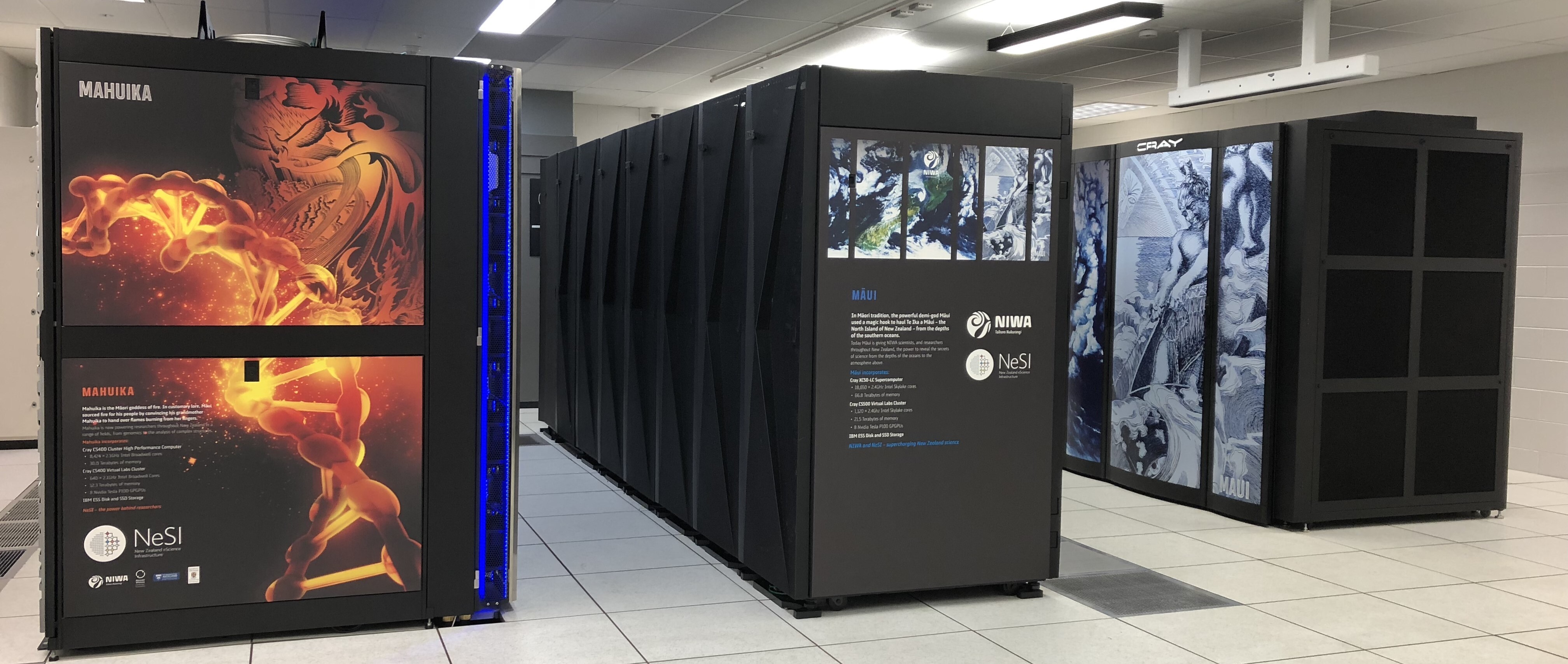 The REANNZ High Performance Computers
Access
You will connect to a cluster over the internet either with a web client (OnDemand) or with SSH (Secure Shell). Your main interface with the cluster will be using command line.
Nodes
Individual computers that compose a cluster are typically called nodes. On a cluster, there are different types of nodes for different types of tasks. The node where you are now will be different depending on how you accessed the cluster.
You will be on a login node.
Both OnDemand and SSH login nodes serve as an access point to the cluster.
The real work on a cluster gets done by the compute nodes. Compute nodes come in many shapes and sizes, but generally are dedicated to long or hard tasks that require a lot of computational resources.
What's in a Node?
A node is similar in makeup to a regular desktop or laptop, composed of CPUs (sometimes also called processors or cores), memory (or RAM), and disk space. Although, where your laptop might have 8 CPUs and 16GB of memory, a compute node will have hundreds of cores and GB of memory.
-
CPUs are a computer's tool for running programs and calculations.
-
Memory is for short term storage, containing the information currently being operated on by the CPUs.
-
Disk is for long term storage, data stored here is permanent, i.e. still there even if the computer has been restarted. It is common for nodes to connect to a shared, remote disk.
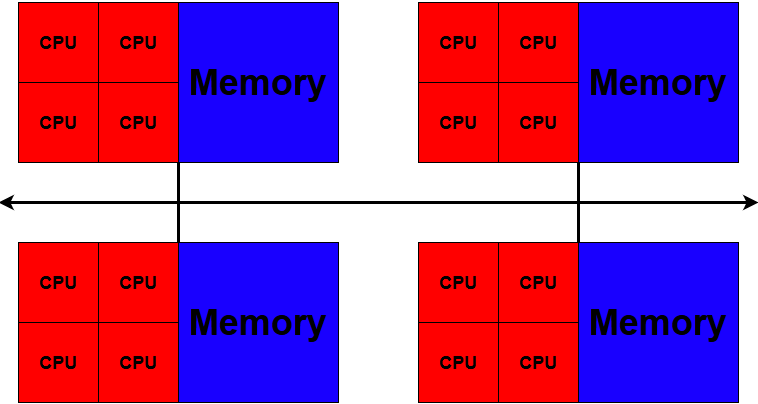
Differences Between Nodes
Many HPC clusters have a variety of nodes optimized for particular workloads. Some nodes may have larger amount of memory, or specialized resources such as Graphical Processing Units (GPUs).
Dedicated Transfer Nodes
If you want to transfer larger amounts of data to or from the cluster, REANNZ
offers dedicated transfer nodes using the Globus service.
More information on using Globus for large data transfer to and from the cluster can be found on the
Globus Transfer Service page.
Mahuika is...
Keypoints
- A 'cluster' describes a particular architecture of HPC.
- Remote hardware must be accessed via SSH, or a dedicated web client.
- Clusters have specialised nodes for different tasks.
What Next