Navigating my.nesi.org.nz
Notice for PRO Users
Members of the Public Research Organisations will no longer be able to follow the account management process as described on this page.
Please see The New HPC Portal for more details.
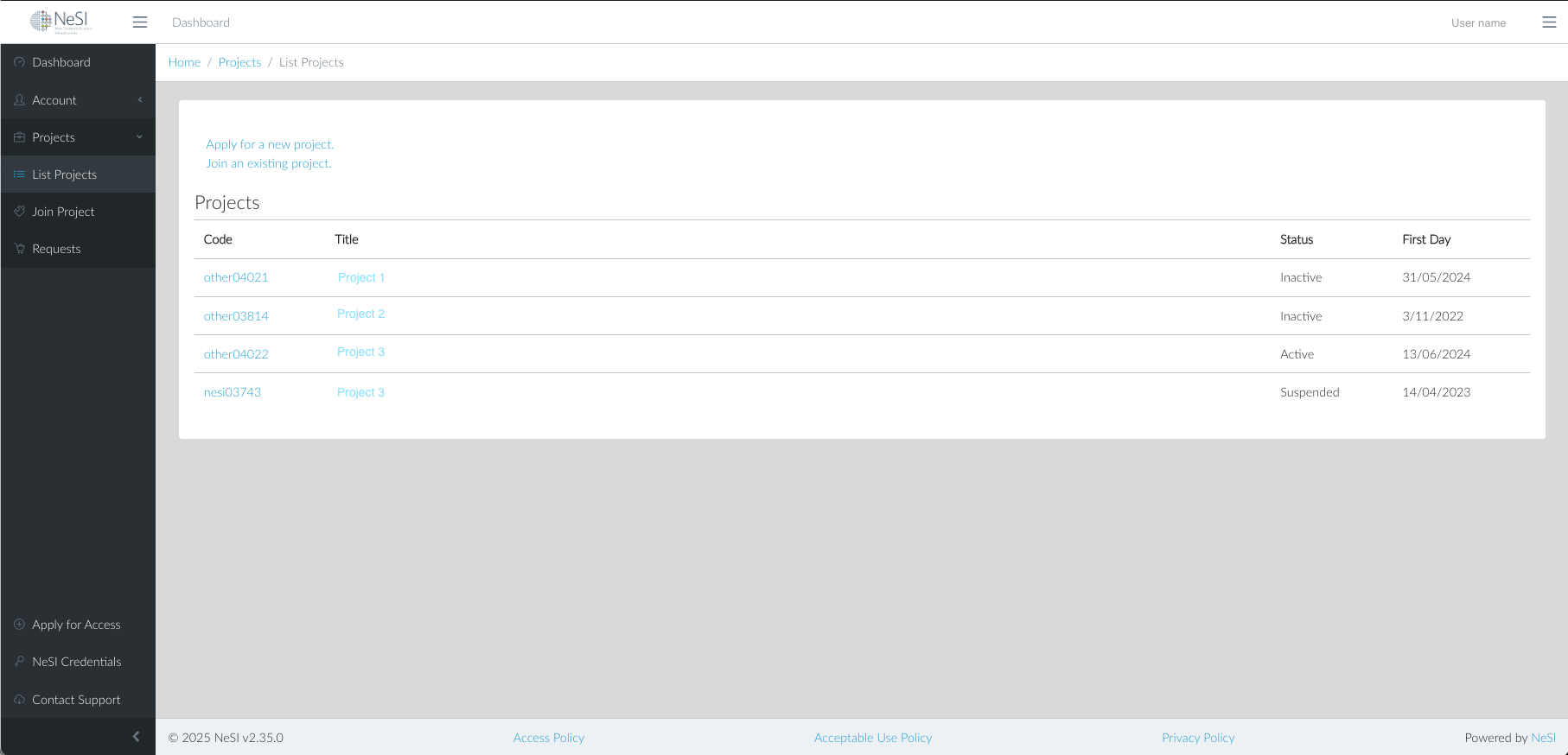
The main navigation is in the sidebar, and links to important functions can be found at the bottom of the sidebar. A breadcrumb trail is displayed at the top of the page when viewing sections of the site, for example Home / Projects / List Project.
The triple bar (or hamburger) icons allow elements to be collapsed or revealed. The left icon collapses the sidebar, hiding the navigation elements it contains. The triple bar on the right is reserved for future functions.
The < arrow icon at the bottom of the sidebar minimises the sidebar, reducing its visible content to icons only.
To log out and close your session, use the user name menu at the top right of the page.