Data Transfer to Freezer
The Globus Collection to Freezer is called: REANNZ Freezer.
You will need to authenticate using your Freezer (S3) credentials. Please let us know if you would like some assistance or are having any difficulties with this service.
Requirements
You will need to have a Globus account to access Freezer via Globus. Please see the page on first time Globus set up for information on getting a Globus account.
Setting up Freezer Credentials in Globus
-
Go to the File Manager tab of your Globus page in the left hand menu bar. Under the
Collectionfield, search for and select the REANNZ Freezer collection, then click the blueContinuebutton.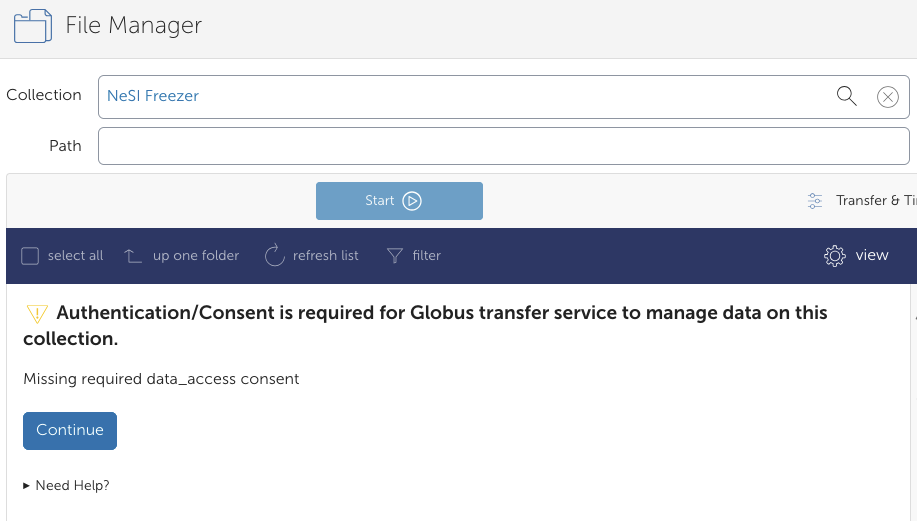
-
You will need to authenticate with an identity from NeSI Keycloak. Click on
Use my user_id@iam.nesi.org.nz identitytext.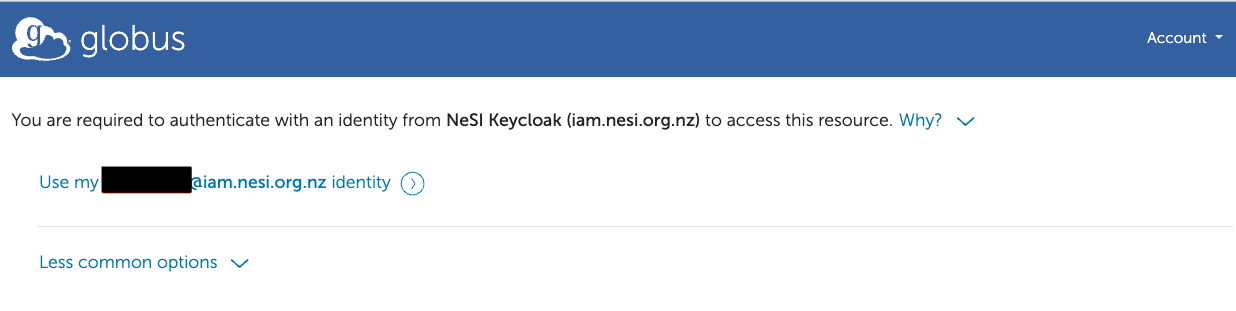
-
In the next window, click
Allow.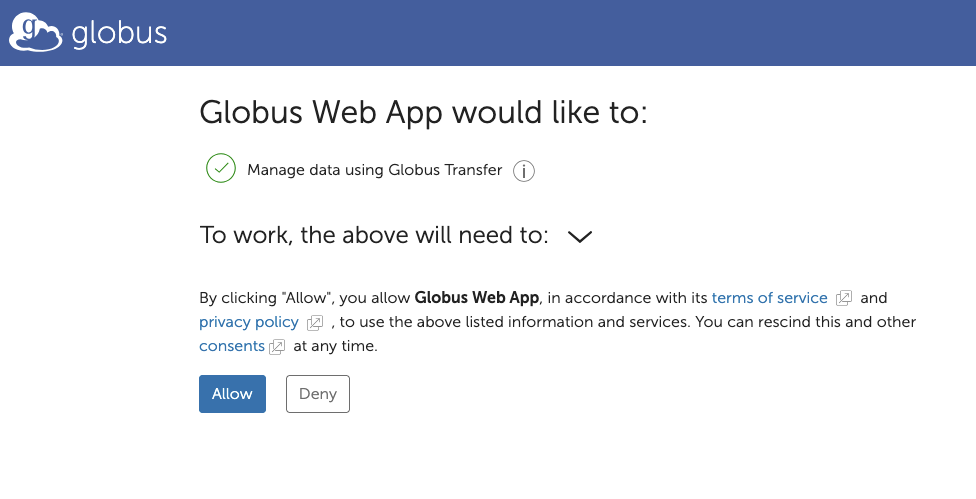
Info
Steps 4 & 5 may not be required
-
To set up your credentials, please click
Continue. You will be shown a Globus page requiring you to sign in to Mahuika.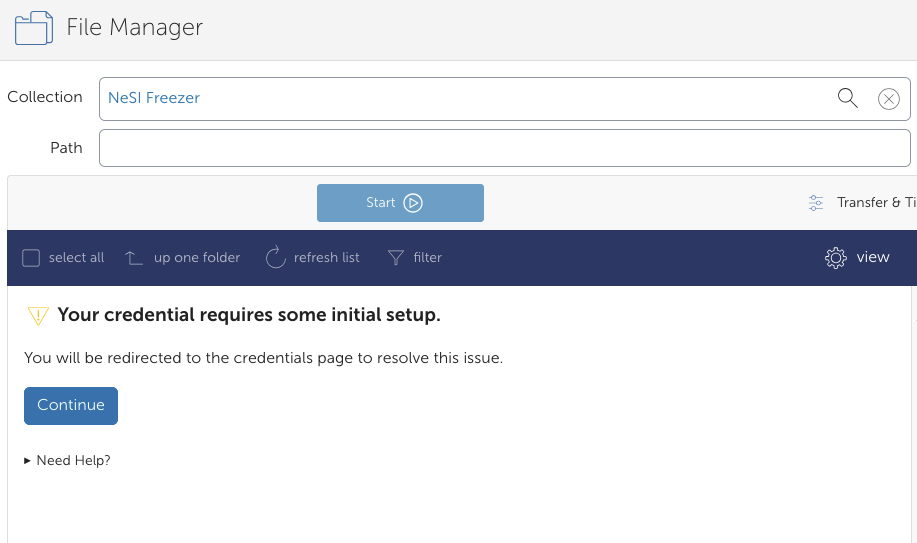
-
Fill in your Mahuika Username and Secret Key. Please let us know if you have lost your Freezer Secret Key. Contact our Support Team to reset your Freezer key, but you will also need to reset your Freezer config on Mahuika.
In the following sections, please enter:
AWS IAM Access Key ID:user_idAWS IAM Secret Key:Freezer Secret Key
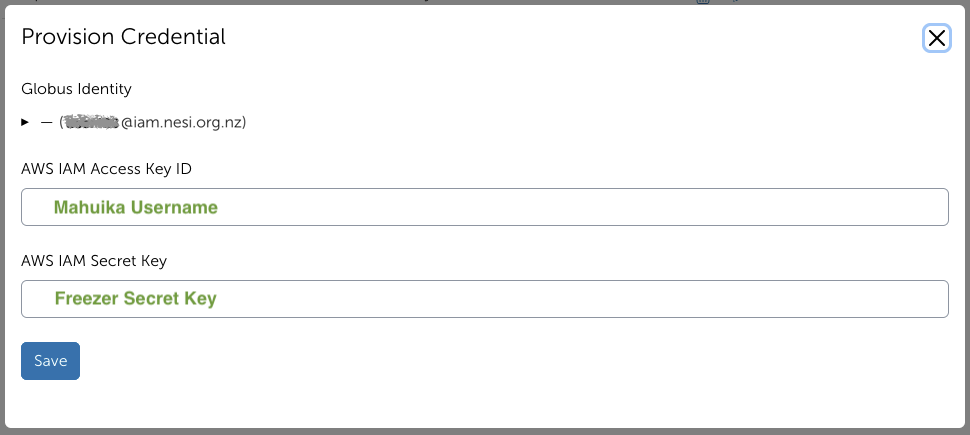
Please click
Saveafter you have entered your details. You will then be shown this page here if it is successful.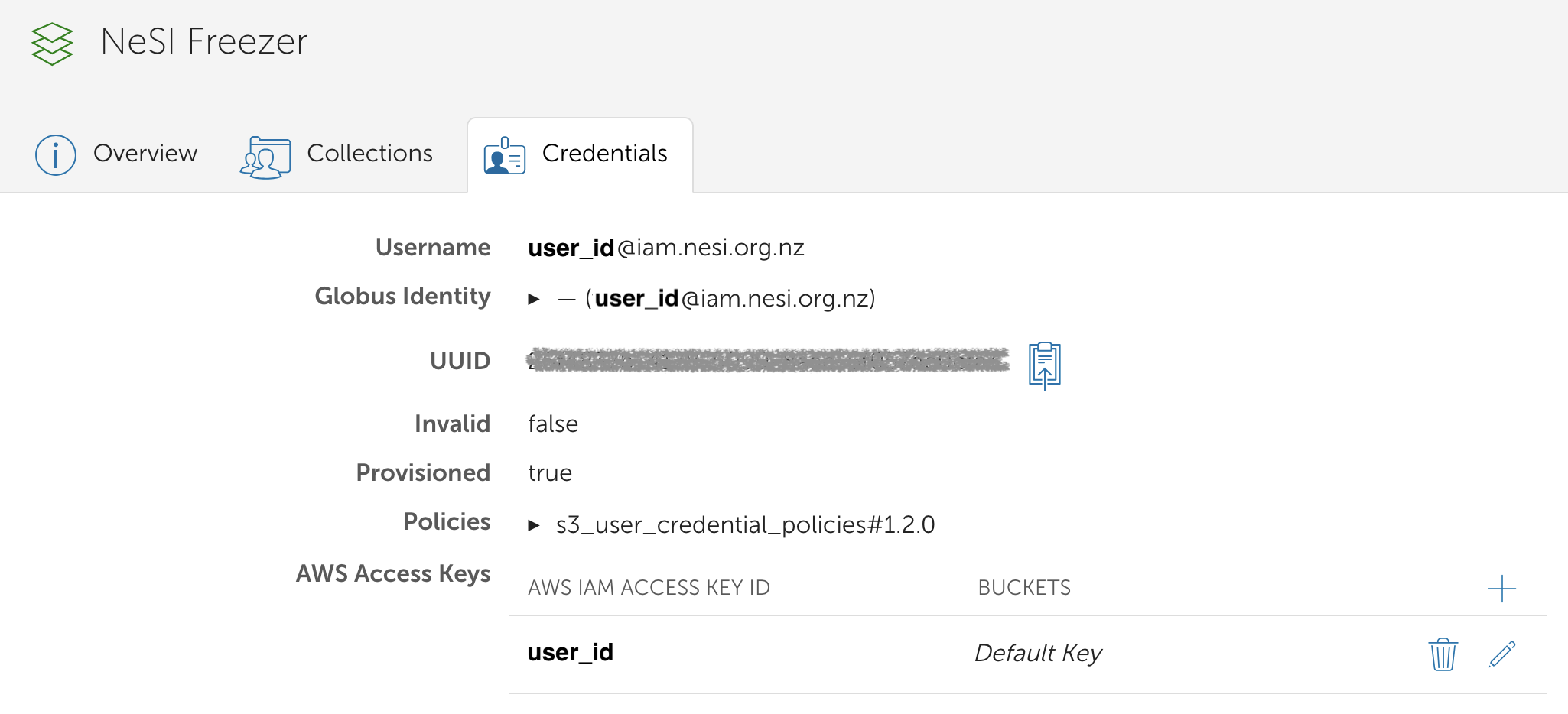
Freezer Secret Key reset
If you have reset your Freezer Secret you will need to update it by searching for the collection and clicking the three dots on the far right to open the collection settings.
Then move to the 'Credentials' tab and edit your AWS access key with the new Freezer Secret Key.

Freezer Endpoint
Note that modification times are preserved only for files.
- Files: The displayed modification date reflects the file's original modification time.
- Folders: Folder modification times are not preserved by the Globus Freezer collection and will always appear as 1 January 1970 (Unix epoch).
This is expected behaviour and does not affect the integrity or accessibility of your archived data.
-
Go to the File Manager on the left hand menu and search for the collection
REANNZ Freezer.
-
Under 'Path', type in your Freezer bucket e.g.,
/nearline-9776/and press Enter. You should now see the contents of your bucket.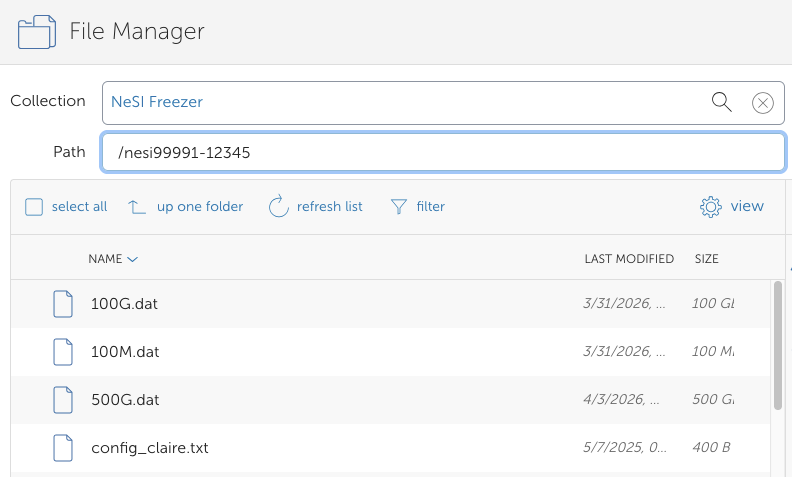
If you initiate a transfer of offline data (only on tape - Glacier) from Freezer, the data will be automatically staged from tape before the transfer begins.
Organizing Files Using Globus
We do NOT recommend organising or moving files or directories on Freezer using the Globus interface. Please use the s3cmd tool in these instances. Please see our Freezer Guide for more information.